 VST is a trademark of Steinberg Media Technologies GmbH, registered in Europe and other countries.
D-Click By Monakai Click / Pop / Crackle Remover VST3 Plugin
"One knob to clean up every click, pop, and crackle."
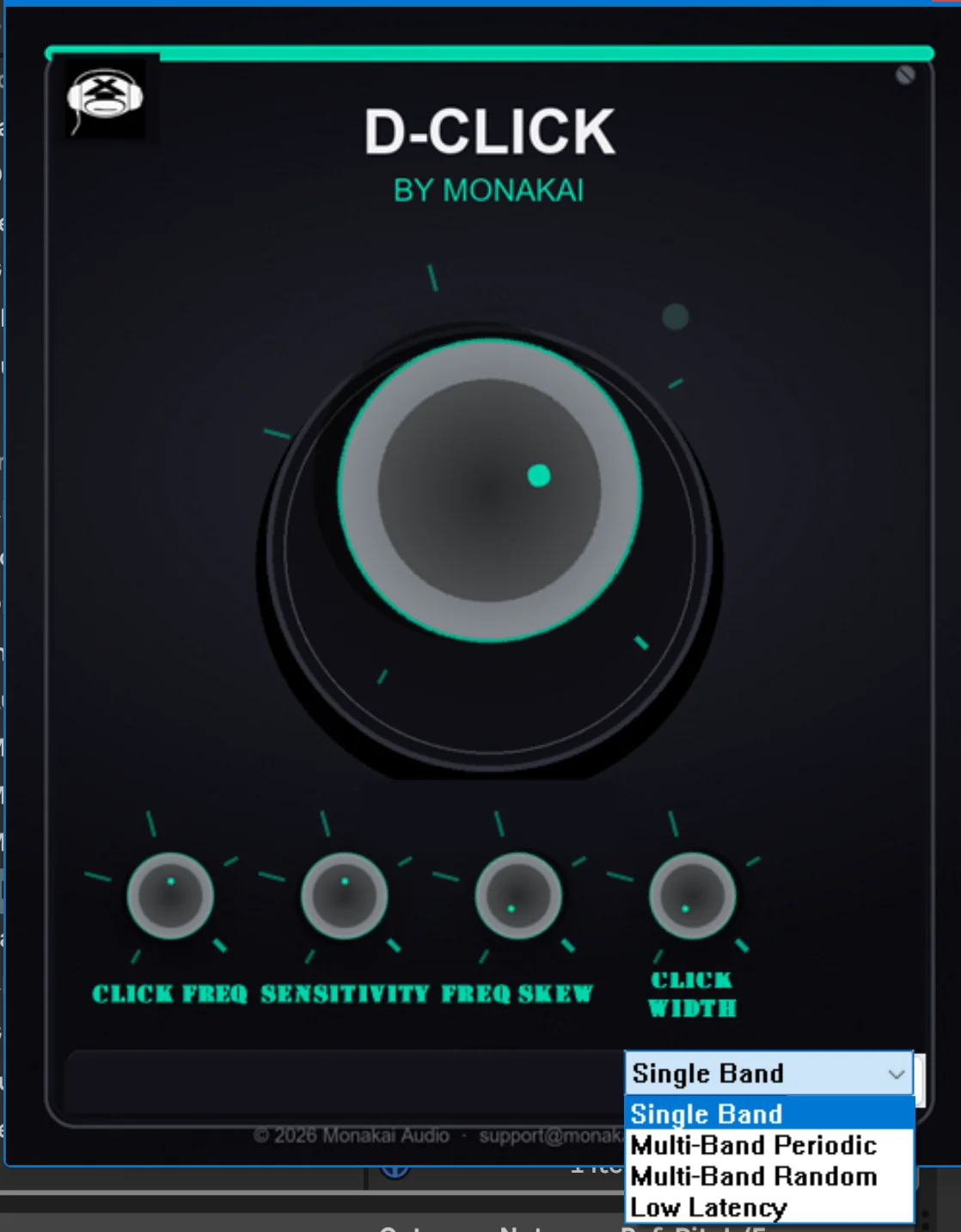
D-Click By Monakai is a full-featured de-click processor that removes unwanted clicks, pops, and crackle from audio. Four processing modes cover single-band cleanup, periodic thumps, random wide spikes, and low-latency tracking, while interpolation-based repair preserves the natural sound around each corrected transient.
D-Click By Monakai is a VST3 plugin for Ableton Live, FL Studio, Reaper, Cubase, Studio One and Logic Pro. Browse more best audio plugins in the Monakai Audio catalog.
Get D-Click By Monakai for $2 with code DAYONECLICK. Offer ends 7/31/2026.
Secure checkout by Stripe — Visa, Mastercard, Amex, Discover, Google Pay, Apple Pay, and Cash App Pay. See our Refund Policy.
Key Features
- Single Band, Multi-Band Periodic, Multi-Band Random, and Low Latency modes
- Interpolation-based click repair (not median smoothing)
- Sensitivity control for aggressive or gentle detection
- Frequency Skew to focus detection on bright or dull clicks
- Click Width to widen repair across broader crackles and pops
- Clean amount blends repaired and original signal
- Clean parameter smoothing and automation support
- Monakai license, telemetry, and GWMS integration
Tips for Using D-Click By Monakai
- Start with Single Band mode and increase Clean until clicks disappear.
- Try Multi-Band Periodic for rhythmic thumps and vinyl rumble.
- Use Multi-Band Random for scattered digital clips and wide crackles.
- Choose Low Latency when tracking live or when delay compensation matters.
- Automate Clean to tackle problem sections without affecting the whole track.
Need Help With D-Click By Monakai?
If you need installation help, DAW setup assistance, or have questions about this plugin, send a message directly to the Monakai Audio support team.
Request Support