 VST is a trademark of Steinberg Media Technologies GmbH, registered in Europe and other countries.
Creator Bundle by Monakai Production Bundle VST3 Plugin
"Seven creation weapons. One bundle. Basslines, drums, samples, synths and FX."
The Creator Bundle by Monakai arms you with everything needed to write and produce tracks: Bassline Builder (bass synth + pattern sequencer), Sampler, Drum Pattern Builder (808-style, 64 steps, Copy to Track), LOUD (loudness maximizer), Far From Erf (FM synth + FX), Multi FX (EQ/comp/chorus/delay/reverb rack) and SubSaturator (sub bass saturation). One license activates all seven plugins, one installer deploys them all, and every plugin includes Monakai licensing, telemetry, and a 7-day trial.
Creator Bundle by Monakai is a VST3 plugin for Ableton Live, FL Studio, Reaper, Cubase, Studio One and Logic Pro. Browse more best audio plugins in the Monakai Audio catalog.
Get Creator Bundle by Monakai for $99 with code CREATORDAYONE. Offer ends 7/26/2026.
Secure checkout by Stripe — Visa, Mastercard, Amex, Discover, Google Pay, Apple Pay, and Cash App Pay. See our Refund Policy.
What's Included
The bundle includes licenses for all five plugins. Each license is independent, so you can activate and use them on your production machine.
Bassline Builder by Monakai
Bass Synth + Sequencer
Sampler by Monakai
Sampler Instrument
Drum Pattern Builder by Monakai
808 Drum Machine + Sequencer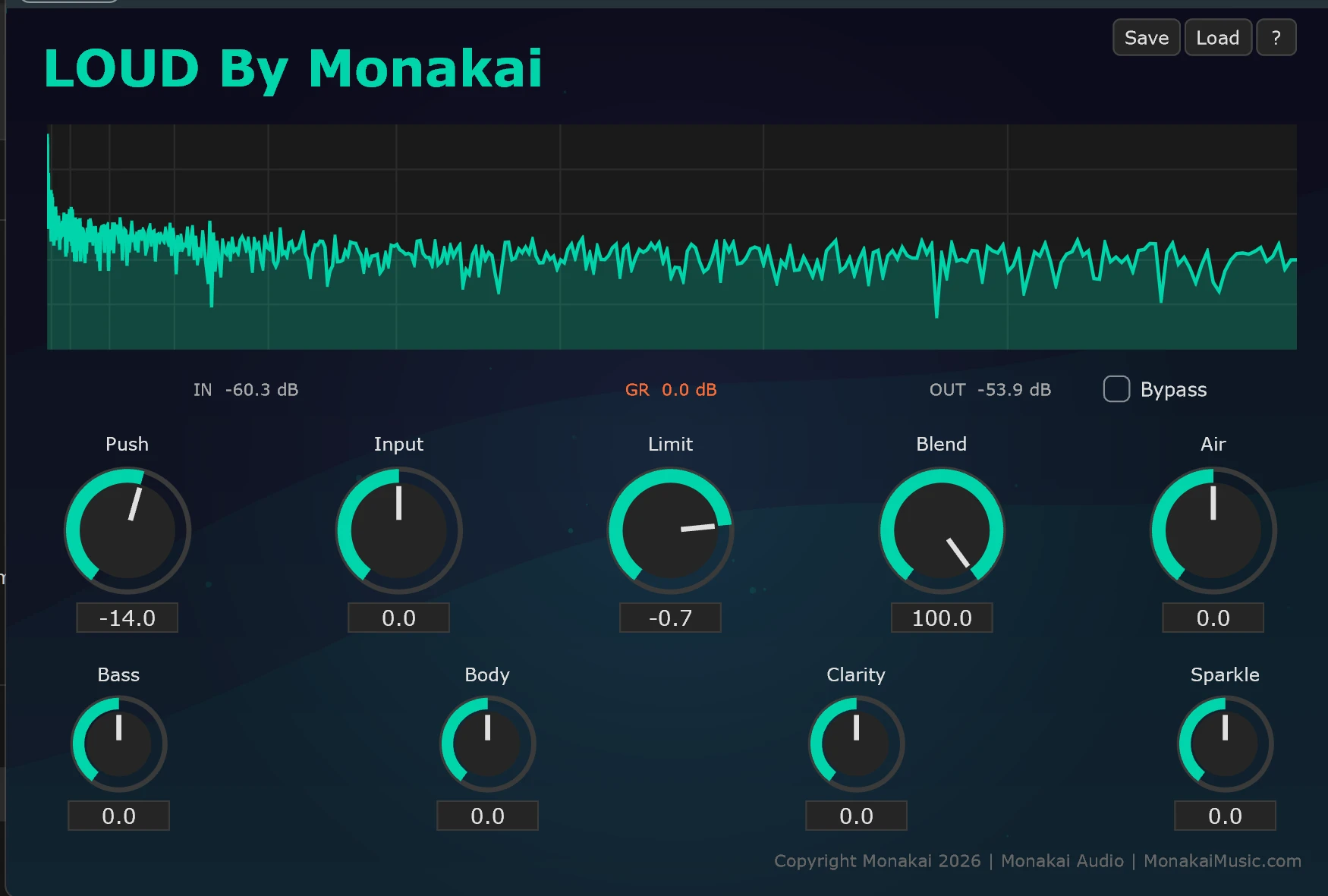
LOUD By Monakai
Loudness Maximizer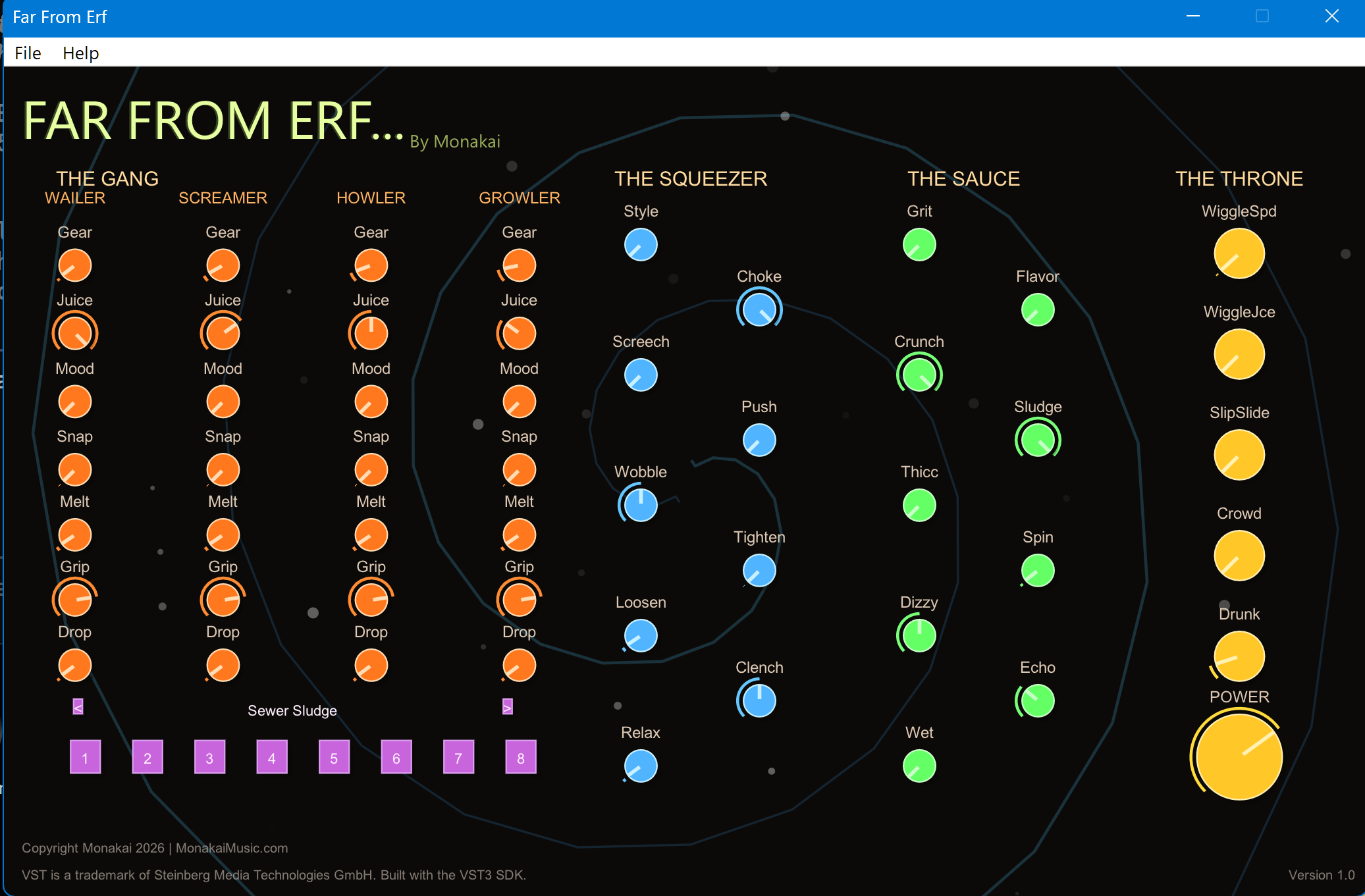
Far From Erf
FM Synthesizer
Multi FX by Monakai
Essential Effects Chain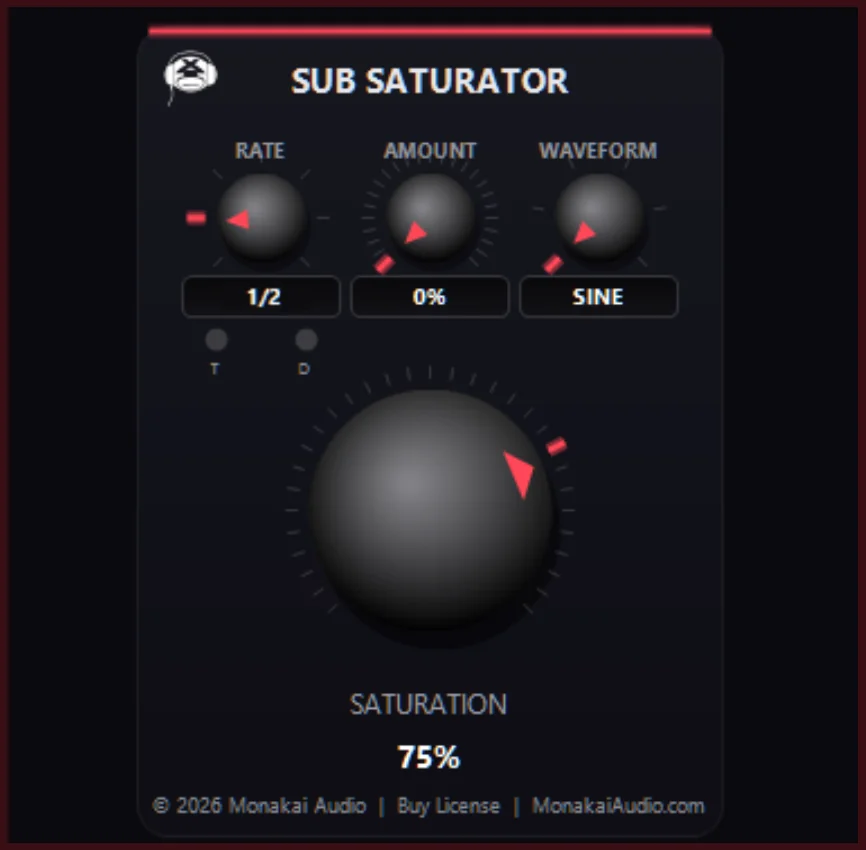
SubSaturator by Monakai
Sub Bass SaturationKey Features
- Bassline Builder — mono bass synth with 16-step pattern builder
- Sampler — load WAV/AIFF and play across the keyboard
- Drum Pattern Builder — 808-style 64-step drum machine with Copy to Track
- LOUD By Monakai — intelligent loudness maximizer
- Far From Erf — FM synth with arpeggiator, sequencer and FX chain
- Multi FX — EQ, compressor, chorus, tempo-sync delay, reverb rack
- SubSaturator — sub bass harmonic saturation
- One license activates all seven plugins
- Single themed Windows installer with VST3 deployment
- 7-day trial, lifetime license, Monakai telemetry support
Tips for Using Creator Bundle by Monakai
- Sketch the track with Bassline Builder + Drum Pattern Builder first, then layer Far From Erf on top.
- Use Multi FX as a channel strip on the drum bus.
- Finish the master chain with SubSaturator into LOUD.
- Run the installer as Administrator so it can write to the system VST3 folder.
- Your license key is tied to your MonakaiAudio.com account — keep your login safe.
Need Help With Creator Bundle by Monakai?
If you need installation help, DAW setup assistance, or have questions about this plugin, send a message directly to the Monakai Audio support team.
Request Support